The product
Real screens.
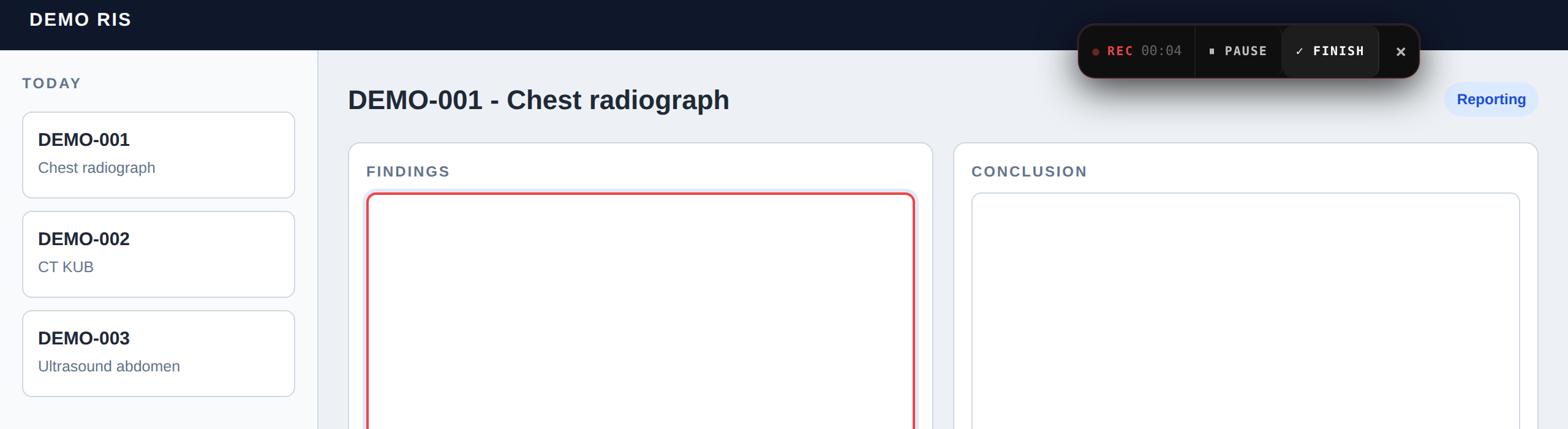
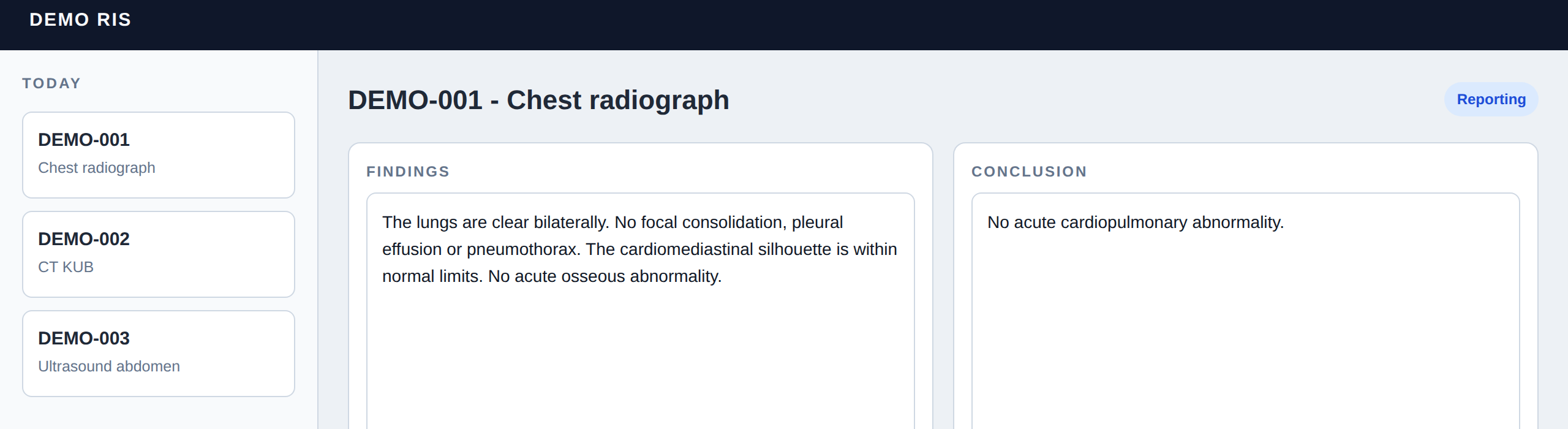
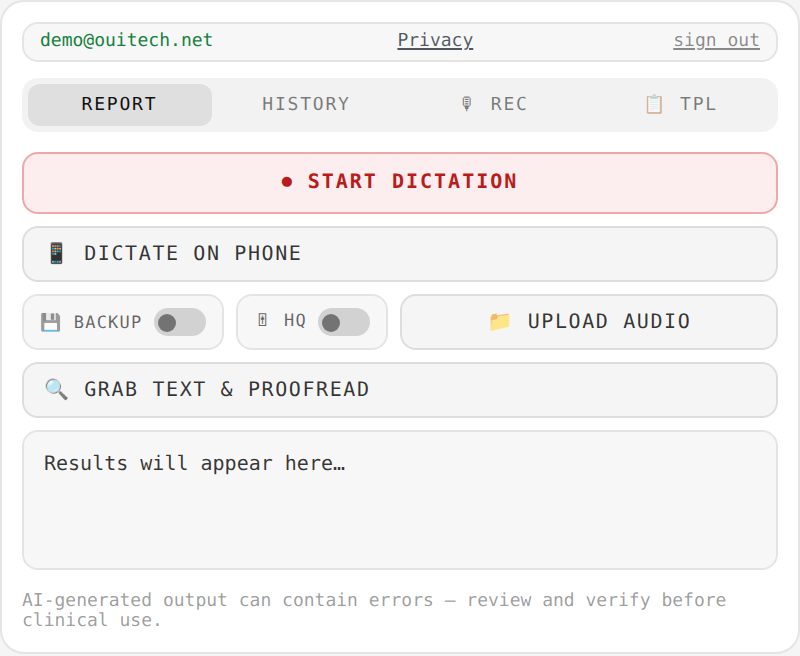
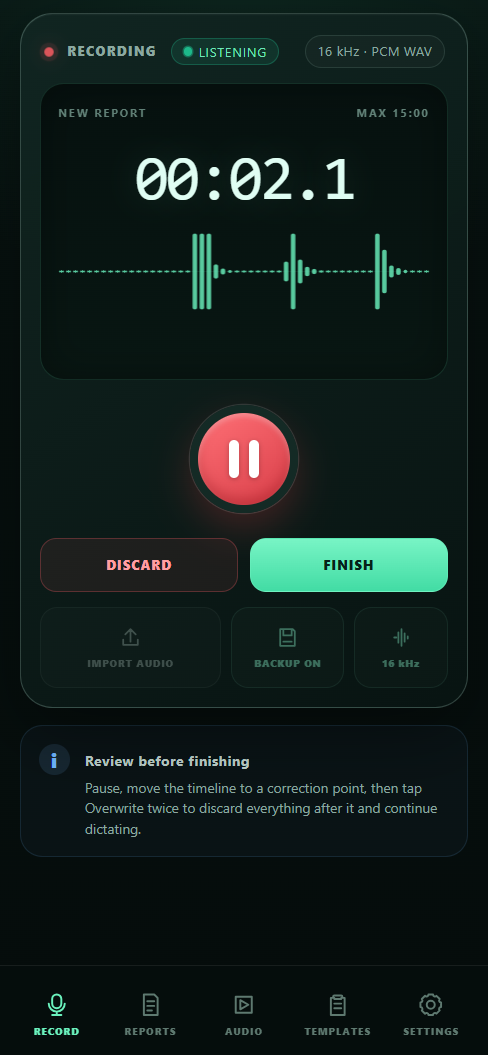
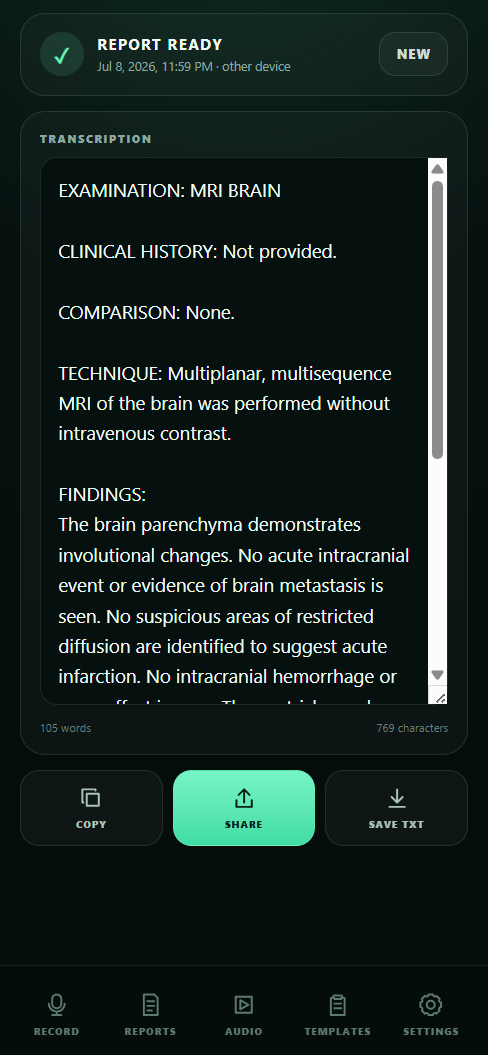
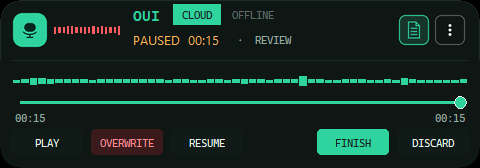
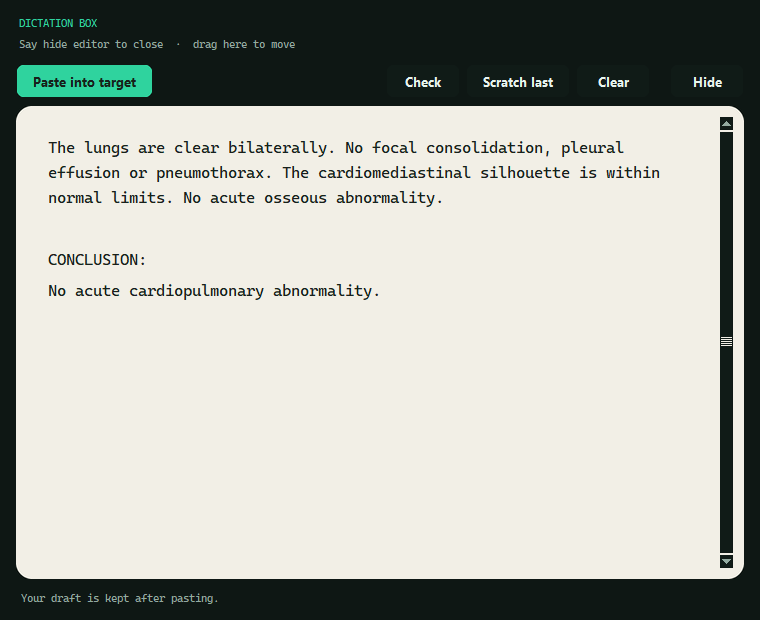
The Chrome extension, the phone app and OUI Dictate for Windows, shown with invented demo data. Full guides walk through every button.

Radiology dictation · end-to-end encrypted
RadDictate turns your speech into clean findings and conclusions inside any web-based RIS or HIS — quietly proofreads the report for the slips fatigue makes, and stores your history so encrypted that even we can't read it.
› Live on the Chrome Web Store › Developed by a practicing radiologist › No install on hospital servers › Works on hospital networks
The product
The Chrome extension, the phone app and OUI Dictate for Windows, shown with invented demo data. Full guides walk through every button.
Workflow
No copy-paste, no separate window to babysit. RadDictate lives inside the system you already report in.
A floating pill follows you around your RIS in Chrome. Or dictate on your phone while the report fills in on the PC — the phone is just a better microphone.
The AI turns natural dictation into clean report language, following your templates and house style — not a generic transcript.
Findings go to the findings field, the conclusion to the conclusion field, inserted exactly where your cursor was — mid-sentence if that's where you clicked.
Second read
Dictation slips are quiet: right becomes left, the sigmoid becomes the transverse, and nobody notices until it matters. RadDictate reads the finished report against itself, flags internal contradictions, and offers a suggested correction for your review — it never edits silently; your report is never changed for you.
Laterality, anatomic sites, contradicting statements between findings and conclusion — the unintended mistakes of a long reporting list.
A flagged report is still your report. The AI marks the discrepancy and offers a suggested version alongside — nothing is applied until you accept it; the radiologist who signs stays in charge.
Organizations can add their own checks, templates and reporting style — the second read learns your department's rules, not someone else's.
Zero knowledge
Most medical software promises not to look at your data. RadDictate is built so that looking is impossible: reports are encrypted on your device with a key derived from your password — a key we never see.
Your password is stretched into an encryption keyPBKDF2 · 600,000 rounds
Each report is sealed before it leaves the browserAES-256-GCM
Ciphertext. That's all.
Everything — including your audio — travels over TLS encryption, end to end, on every client.
Speech-to-text must momentarily process audio. It runs on Google Vertex AI under a Cloud Data Processing Addendum — never used for training, never cached, never stored by us, and never retained by Google for abuse-monitoring review (Google approved a zero-data-retention exception for our account).
History auto-deletes after 14 days by default — set 1–60 days. Old reports don't pile up waiting to leak.
Everything else
Your report structures, your phrasing. The AI formats to your templates — normal studies read the way you'd have typed them.
Reporting on a workstation with no mic — or one you don't trust? Dictate into your phone; the finished report appears in the browser on the PC, encrypted the whole way.
Reports sync across your extension, phone and desktop — end-to-end encrypted — so the study you reported on the go is at your workstation before you are.
Before your dictation is sent, RadDictate quietly removes the long pauses — the thinking gaps between findings — while leaving your speech and a natural beat of pause untouched. Shorter audio means faster transcription and fewer billed minutes, with a full-length copy always kept on your device.
Hospital proxies, shared IPs, thin bandwidth — RadDictate is engineered for the networks radiology actually runs on, not a Silicon Valley office.
Per-device sign-in limits and usage quotas keep group licences honest — a feature your administrator will appreciate.
For organizations
More from OUI
Speak, and the report lands at your cursor — extension, phone and desktop, with end-to-end encrypted history. You're looking at it.
Prefer the classic dictaphone routine? Record the whole list on any device, drop the files in, and get formatted Word reports back — ready to sign, originals archived.
Why this exists
"The dictation systems I admired come at prices radiologists in my part of the world simply cannot afford. I refused to accept that good reporting tools are a rich-hospital privilege — so I built one that matches them, exceeds them where it matters, and costs a fraction as much."
— Dr Muhammad Arqam Awais, radiologist & founder · OUI Technologies, Lahore · About the founder · LinkedIn
Questions
14 days · full features · no card